iGUIDE lifecycle
An iGUIDE combines precise floor plans, immersive 3D panoramic tours, and reliable measurement data — all generated from a single property scan. From the API perspective, an iGUIDE is the central resource that ties together your property data, captured scans, drafted floor plans, and downloadable deliverables. This guide walks you through the iGUIDE lifecycle — from the moment you create one to when it's fully published and ready to share — and shows you exactly which assets become available at each stage.
iGUIDE packages
When you create an iGUIDE, the package type you choose determines how it's processed, what features are included, and which add-on deliverables you can order later. The four packages — Standard, Premium, Radix, and Photos — range from fully manual drafting to instant delivery.
For a detailed breakdown of each package, available deliverables, estimated processing times, add-ons, and a decision flowchart, see Packages & Industry Types.
Processing states
As your iGUIDE moves through processing, the API reports its current state. These states are derived from the initial work order and tell you where your iGUIDE stands:
| Processing Status | Description |
|---|---|
empty | iGUIDE created but no Stitch TAR uploaded yet |
processing | Stitch Data is being processed, or floor plans are being drafted |
published | Processing complete — iGUIDE is ready with all base deliverables available |
rejected | Processing was rejected due to data quality issues |
cancelled | Processing was cancelled |
These values are derived from the initial work order's status. For the full work order state machine, see Work Order Lifecycle.
Lifecycle state machine
Here's the full picture of how an iGUIDE moves through its lifecycle:
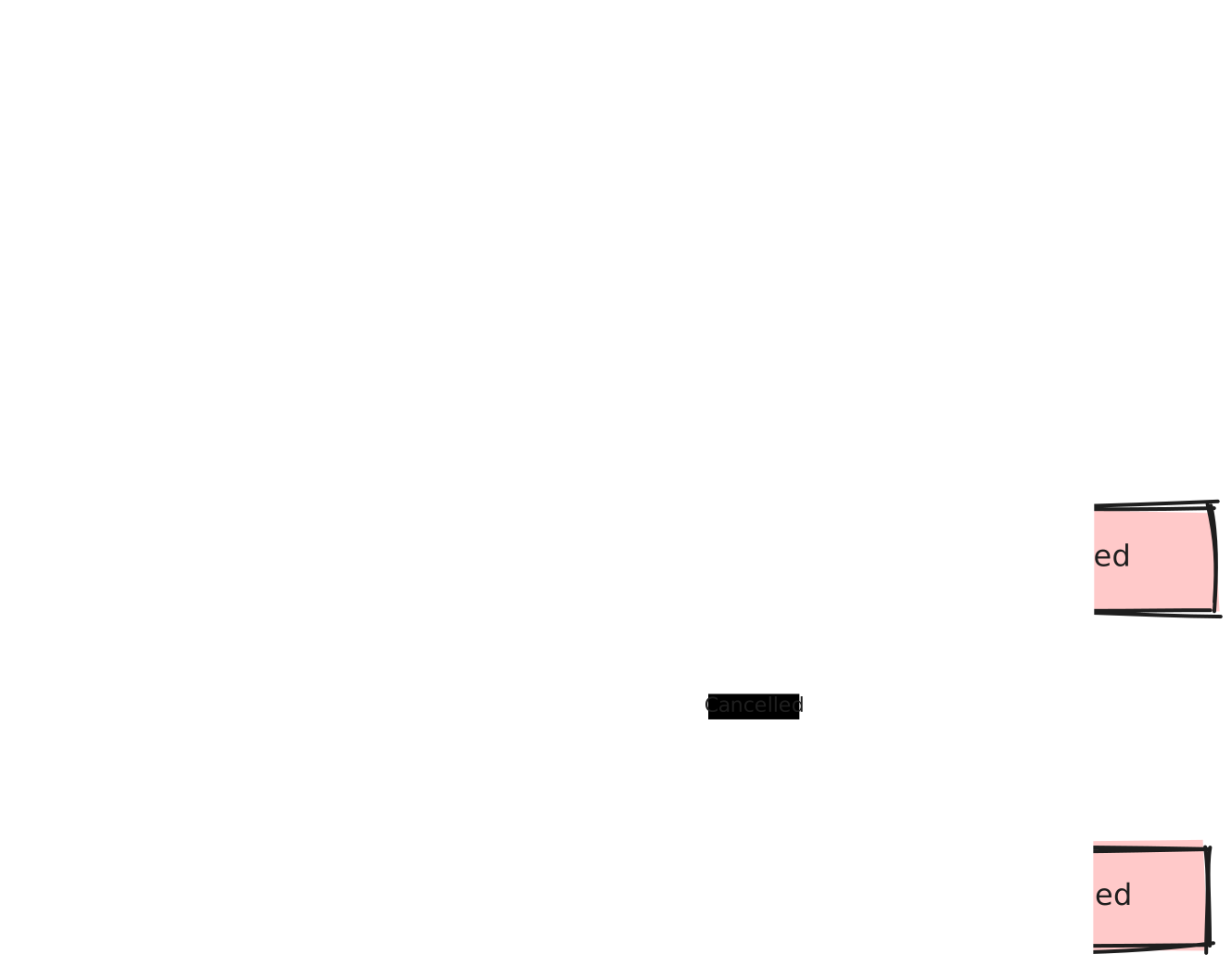
The processing pipeline
1. Creation
- You call Create a New iGUIDE (
POST /api/v1/iguides) with the property address, package type, and optional configuration - An iGUIDE is created along with an initial work order (status:
empty) - The response includes
id(iGUIDE ID),workOrderId, anddefaultViewId - Photos package iGUIDEs are immediately ready — no further processing needed
2. Stitch Data upload
- You upload the Stitch TAR file captured by the iGUIDE camera
- Three-step process: get upload permit → upload to S3 → trigger processing
- After processing is triggered, the work order moves from
emptyto a processing status
3. Drafting (standard and premium only)
- Floor plans are manually drafted by the iGUIDE drafting team
- Typical SLA for the base iGUIDE is 24 hours*
- Radix and other automated types skip this step
4. Publishing
- Once drafting is complete and QA approved, the iGUIDE data is published
- The iGUIDE becomes "ready" and the initial work order status changes to
done - The
readywebhook event is dispatched to all registered webhooks
5. Ready
- All base deliverables are now available for download
- Additional work orders for add-ons can be created
To check the processing status of an iGUIDE, query its initial work order:
curl https://manage.youriguide.com/api/v1/iguides/ig12345/workOrders/Z1T9 \
  -H 'Accept: application/json' \
  -H 'X-Plntr-App-Id: YOUR_APP_ID' \
  -H 'X-Plntr-App-Token: YOUR_APP_ACCESS_TOKEN'
Example Response:
{
  "id": "Z1T9",
  "status": "done",
  "iguideId": "ig12345",
  "iguideType": "standard"
}
When the initial work order status is "done", the iGUIDE is published and ready.
The "ready" webhook event
The ready event fires when an iGUIDE's data is published — that is, when the initial work order reaches done status. Register webhooks at iGUIDE creation time or via the API. The event payload includes URLs, property info, billing info, and a temporary auth token.
Example Payload:
{
  "type": "ready",
  "iguideId": "igYGFV5GG6V8DD1",
  "defaultViewId": "vXY7P2R1A",
  "iguideAlias": "api-docs-sample",
  "workOrderId": "WO1234",
  "authtoken": "<view-access-token>",
  "urls": {
    "publicUrl": "https://youriguide.com/api-docs-sample/",
    "unbrandedUrl": "https://unbranded.youriguide.com/api-docs-sample/",
    "embeddedUrl": "https://youriguide.com/embed/api-docs-sample/",
    "manageUrl": "https://manage.youriguide.com/iguides/edit/igYGFV5GG6V8DD1",
    "mediaUrls": {
      "en": {
        "galleryFrontImage": "https://youriguide.com/api-docs-sample/doc/front.image",
        "pdfMetric": "https://youriguide.com/api-docs-sample/doc/floorplan_metric_en.pdf",
        "pdfImperial": "https://youriguide.com/api-docs-sample/doc/floorplan_imperial_en.pdf",
        "galleryZip": "https://youriguide.com/api-docs-sample/doc/gallery.zip",
        "galleryLowResZip": "https://youriguide.com/api-docs-sample/doc/gallery-low-res.zip",
        "sphereZip": "https://youriguide.com/api-docs-sample/doc/spheres.zip",
        "offlineZip": "https://youriguide.com/api-docs-sample/doc/offline_en.zip",
        "svgZip": "https://youriguide.com/api-docs-sample/doc/svg.zip",
        "dxfZip": "https://youriguide.com/api-docs-sample/doc/dxf_metric.zip",
        "embedImage": "https://youriguide.com/api-docs-sample/doc/embed_preview.jpg",
        "jpgMetric": [
          {
            "id": 1,
            "floorName": "Main Floor",
            "url": "https://youriguide.com/api-docs-sample/doc/floor_metric_en_1.jpg"
          }
        ],
        "jpgImperial": [
          {
            "id": 1,
            "floorName": "Main Floor",
            "url": "https://youriguide.com/api-docs-sample/doc/floor_imperial_en_1.jpg"
          }
        ]
      }
    },
    "media": {
      "..."
    }
  },
  "property": {
    "fullAddress": "301-301 King St E, Kitchener, ON",
    "country": "CA",
    "postalCode": "N2G 2L3",
    "stateProvince": "ON",
    "city": "Kitchener",
    "streetName": "King St E",
    "streetNumber": "301",
    "unit": "301",
    "location": {
      "lat": 43.447568,
      "lng": -80.484302
    }
  },
  "billingInfo": {
    "iguideType": "standard",
    "package": "",
    "addons": ["vr", "advmeas"],
    "billableAreaSqFeet": 4214.89137997613,
    "billableAreaSqMeters": 391.5762224695776
  },
  "summary": {
    "..."
  },
  "banner": {
    "..."
  }
}
For the full field-by-field breakdown, see Webhooks.
The ready event fires once per publish. If an iGUIDE is re-published (e.g., after a draft-update work order), the event fires again. The workOrderId in the payload identifies which work order triggered the publish.
The authtoken in the ready event is a temporary JWT valid for 3 weeks that grants read access to the iGUIDE view. You can use it to access protected iGUIDE data without operator credentials.
Asset availability
Not everything is available right away. Assets unlock as your iGUIDE progresses through processing:
| Asset | Before Processing | During Processing | After Published (Ready) |
|---|---|---|---|
| Gallery images | Available (if uploaded) | Available | Available |
| Panoramic tours | Not available | Not available | Available |
| Floor plan SVGs | Not available | Not available | Available |
| Floor plan DXFs | Not available | Not available | Available |
| Property measurements | Not available | Not available | Available |
| PDF floor plans | Not available | Not available | Available (generated on demand) |
| Gallery ZIP download | Not available | Not available | Available |
| Sphere images ZIP | Not available | Not available | Available |
| Embed image | Not available | Not available | Available |
| Public URL | Exists but shows placeholder | Shows placeholder | Fully functional |
| ADS files (DWG, RVT, ESX) | Not available | Not available | Only after ADS work order is done |
ADS deliverables (CAD floor plans, 3D models, ESX reports) require a separate additional work order. They are not included in the base iGUIDE publish. See Work Order Lifecycle for details.
Use the Get asset URLs endpoint to retrieve download URLs for all available assets—both base media files and completed ADS deliverables—in a single API call.
Monitoring processing status
You have two options for knowing when your iGUIDE is ready:
1. Webhook-based (recommended)
Register a webhook at iGUIDE creation time and listen for the ready event. This is the most efficient approach — your endpoint is notified the moment the iGUIDE is published without any polling overhead.
2. Polling-based
Poll the initial work order status endpoint periodically until it reaches a terminal status (done, cancelled, or rejected).
For packages other than Radix, we recommend polling no more frequently than every 15 minutes. Base processing can take up to 24 hours and add-on work orders can take multiple days, so anything more frequent is unnecessary and may hit rate limits.
The waitForProcess endpoint is for Stitch Data processing only (the upload step), not for the entire drafting lifecycle. To track the full lifecycle, use webhooks or poll the work order status.
iGUIDE deletion
When an iGUIDE is deleted:
- The iGUIDE and all its views become inaccessible (HTTP 404 on the Viewer)
- The Portal API will no longer return the iGUIDE in list queries
- This is a soft delete — the data is preserved and can be restored by iGUIDE support
- There is no deletion webhook — you will not receive an event when an iGUIDE is deleted